01
Getting started
Three short steps and you're in. You only do this once.
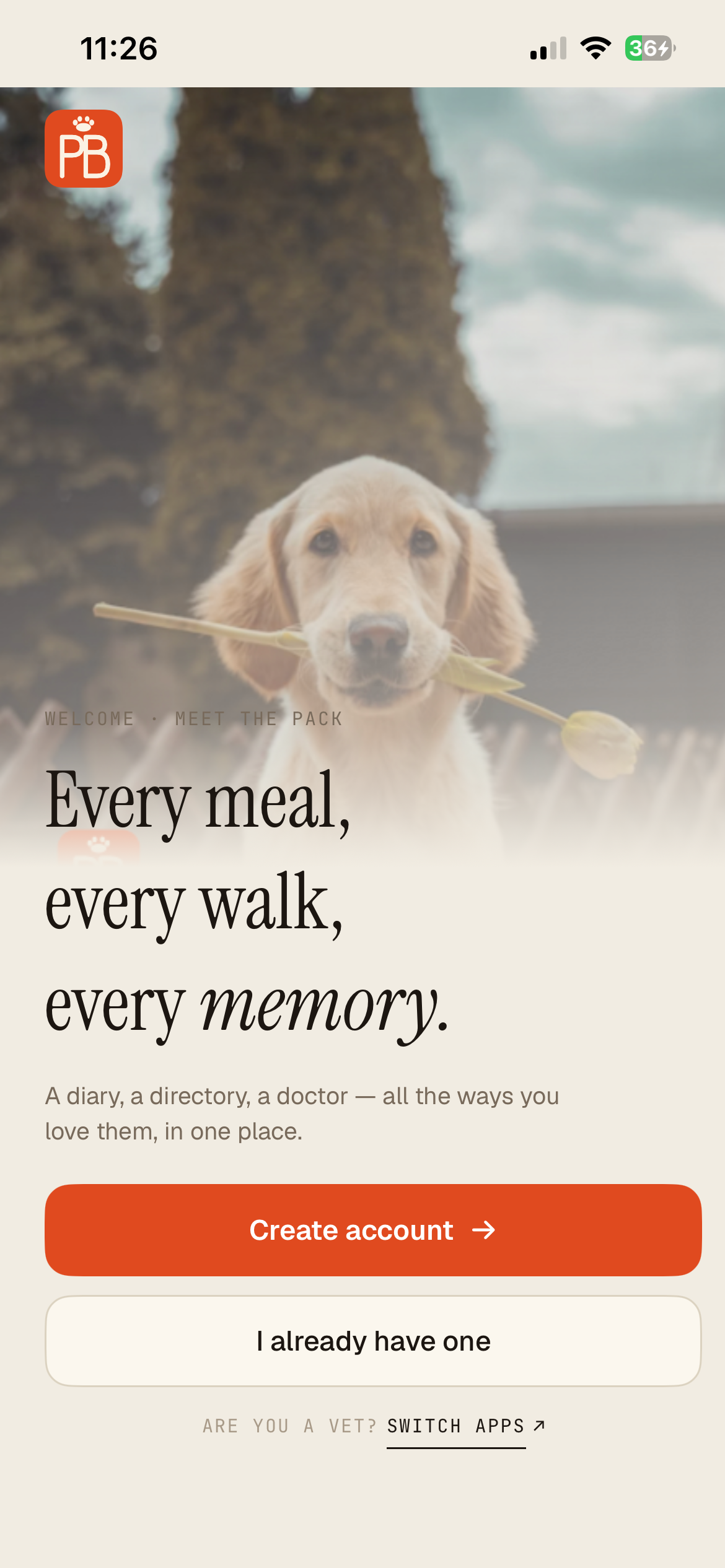
Open the app and tap Create account
First screen
- Tap the orange Create account button.
- Already have one? Tap I already have one to sign in instead.
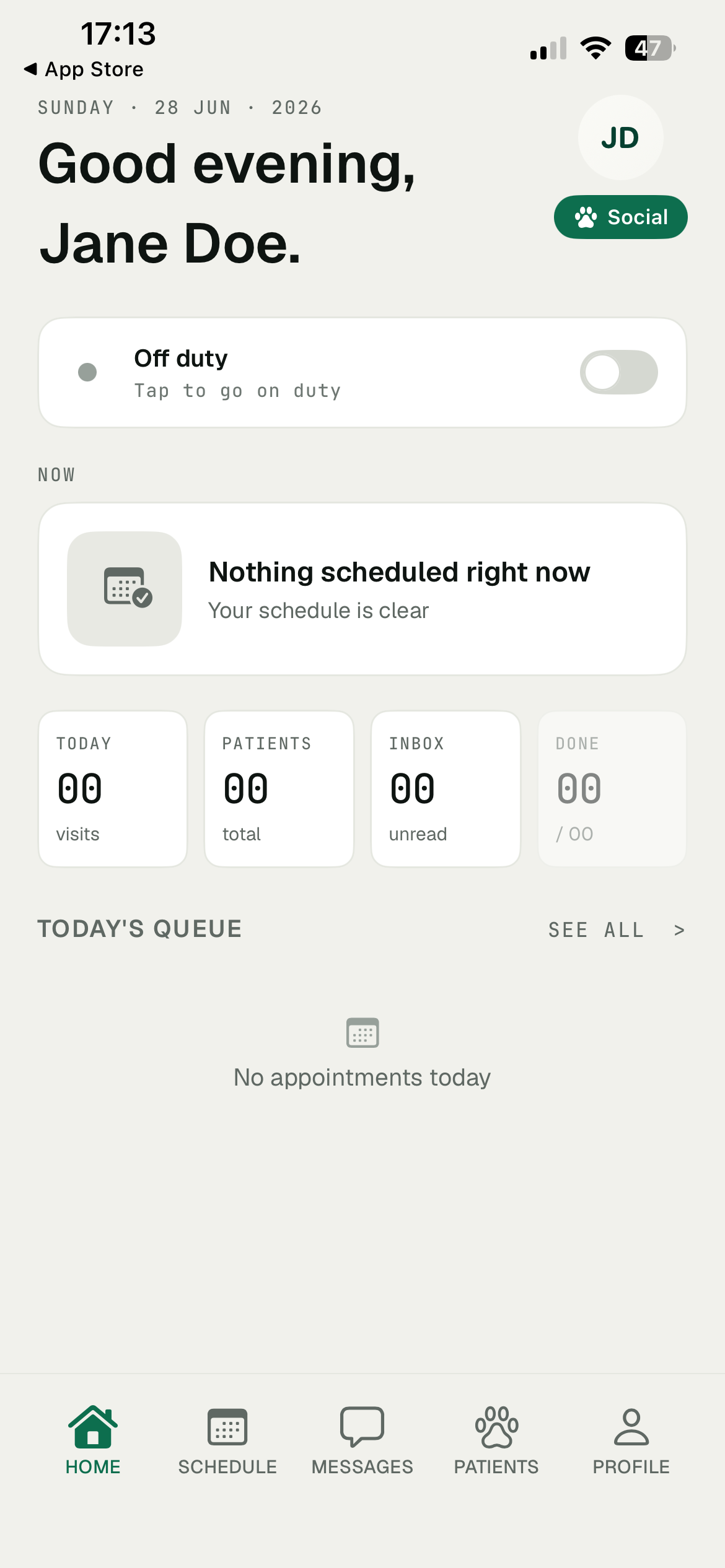
Are you a vet? Tap Switch apps at the bottom to get the clinic side.
Your details
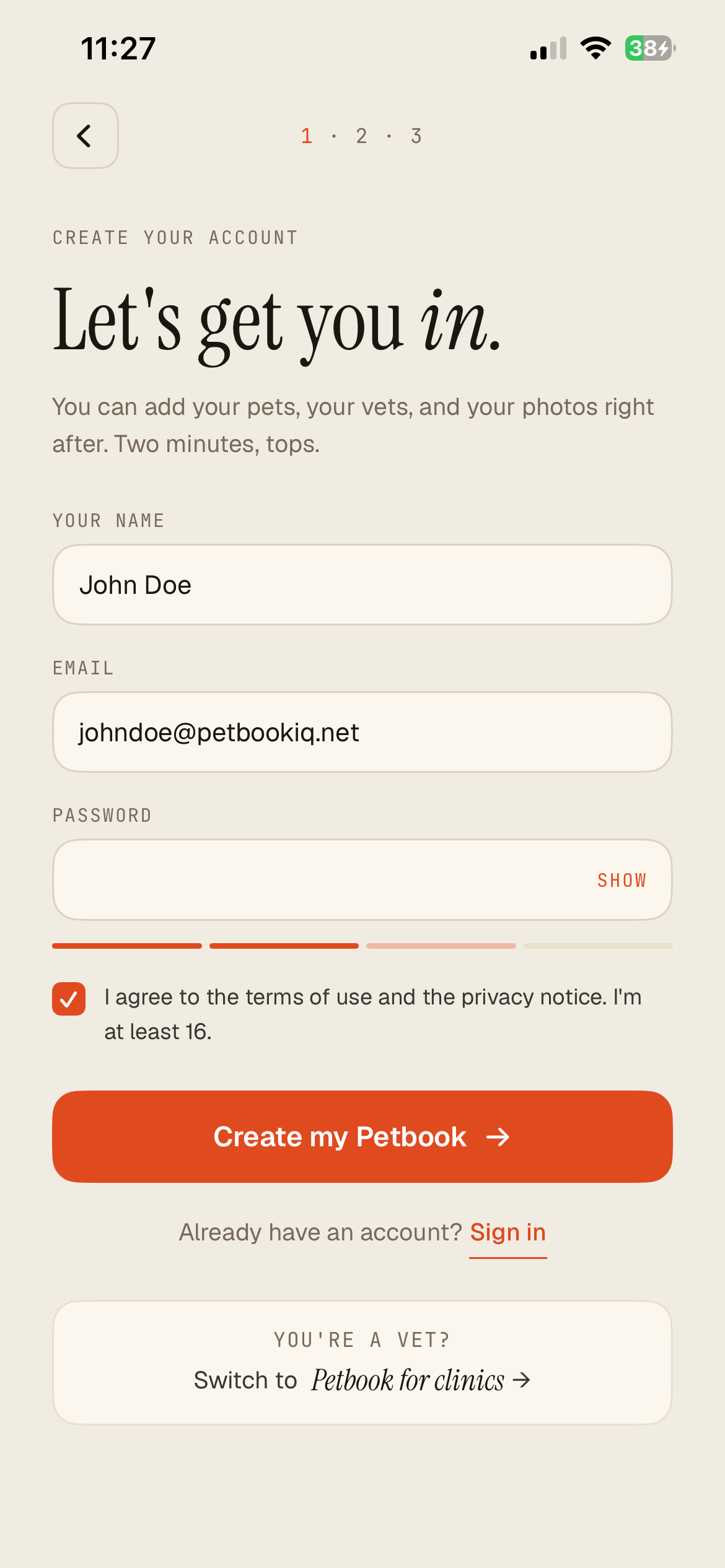
Create your account
- Type your name and email, then a password. Tap Show to peek, the little bar shows how strong it is.
- Tick the box to agree to the terms.
- Tap Create my Petbook. That's it, you're in.
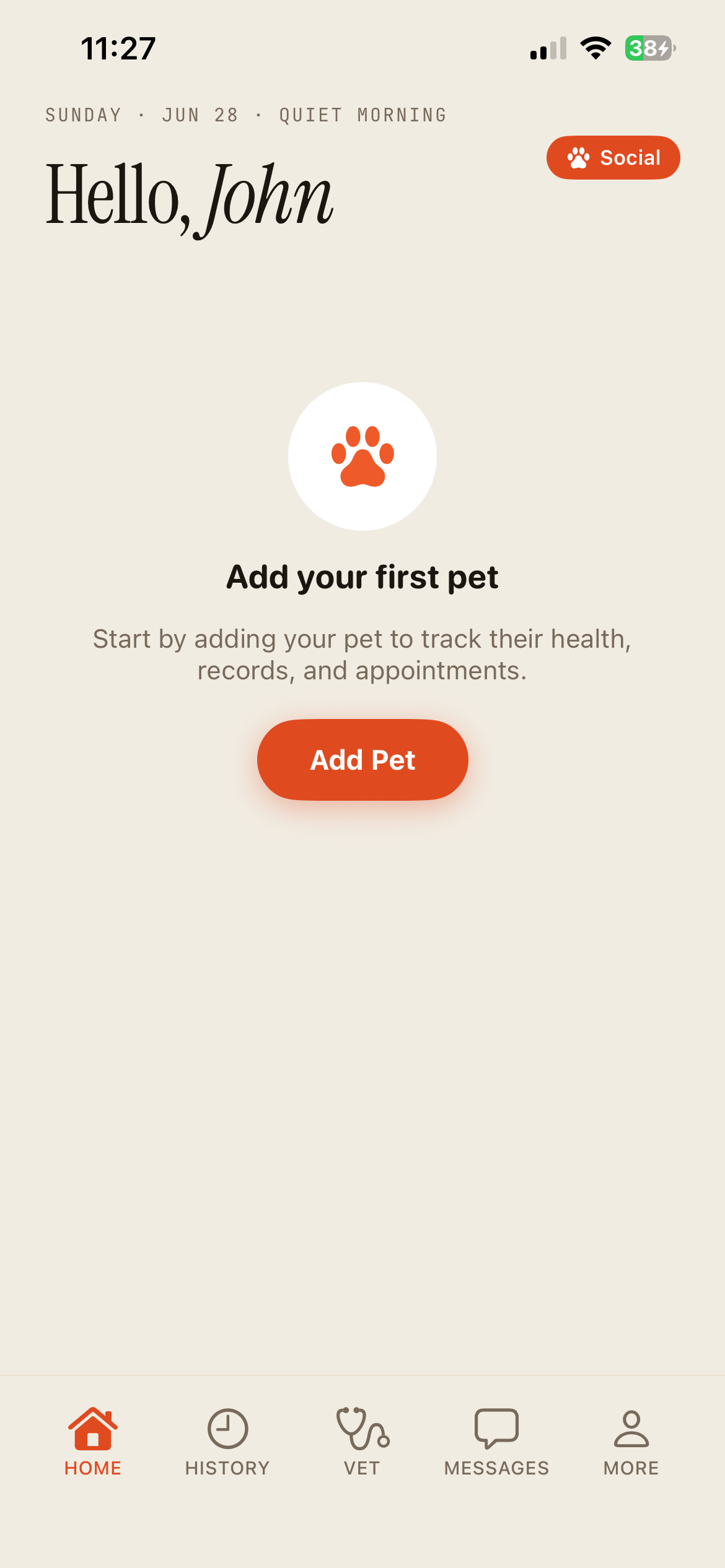
Add your first pet
Home
- Your home starts empty, with a friendly nudge.
- Tap the orange Add Pet button to begin.
You can add as many animals as you like, all from this home screen.
02
Add your pet
Two quick screens and your friend has a home in the app.
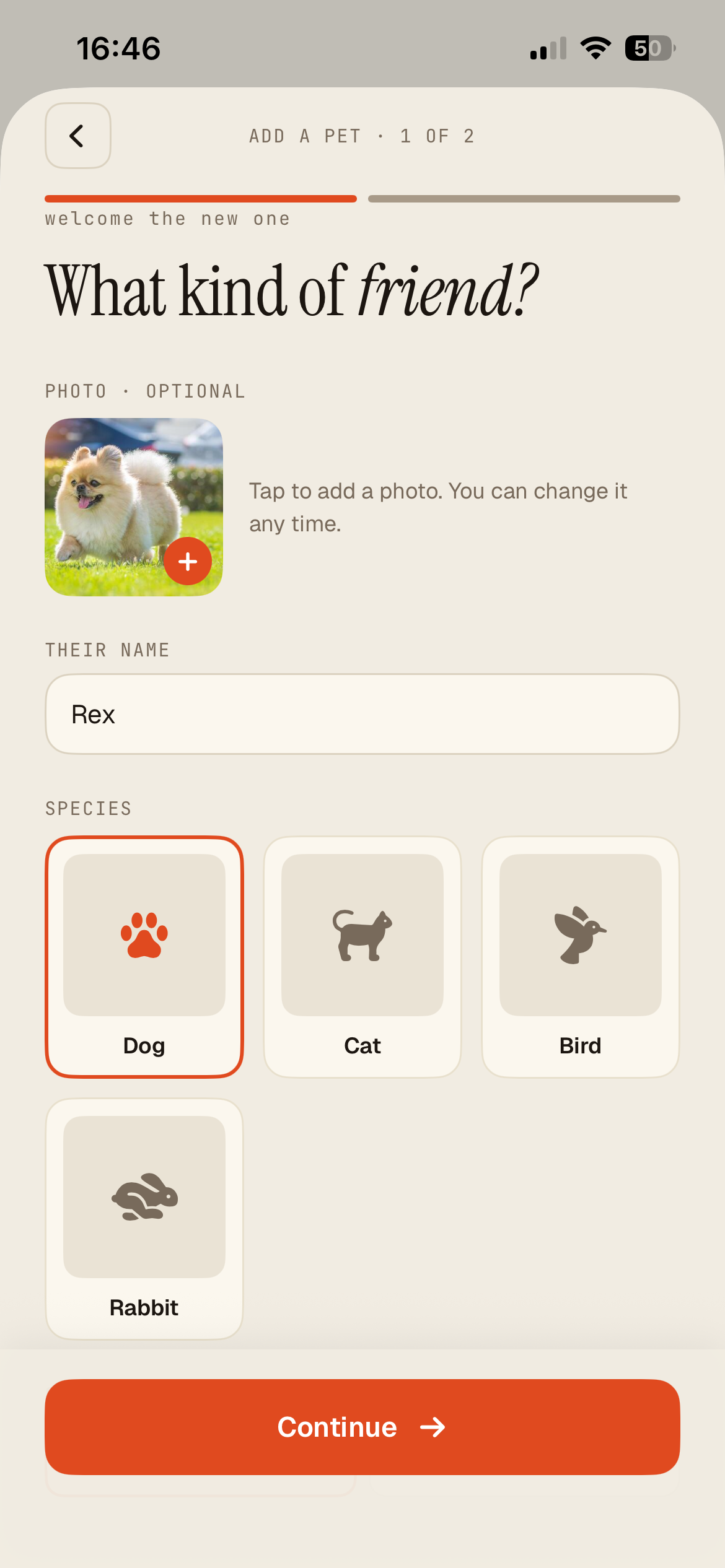
What kind of friend?
Add a pet, 1 of 2
- Tap the photo box to add a picture. It's optional, and you can change it any time.
- Type their name.
- Pick the species: dog, cat, bird, rabbit, or Other, then type what they are, like a snake or parrot. Tap Continue.
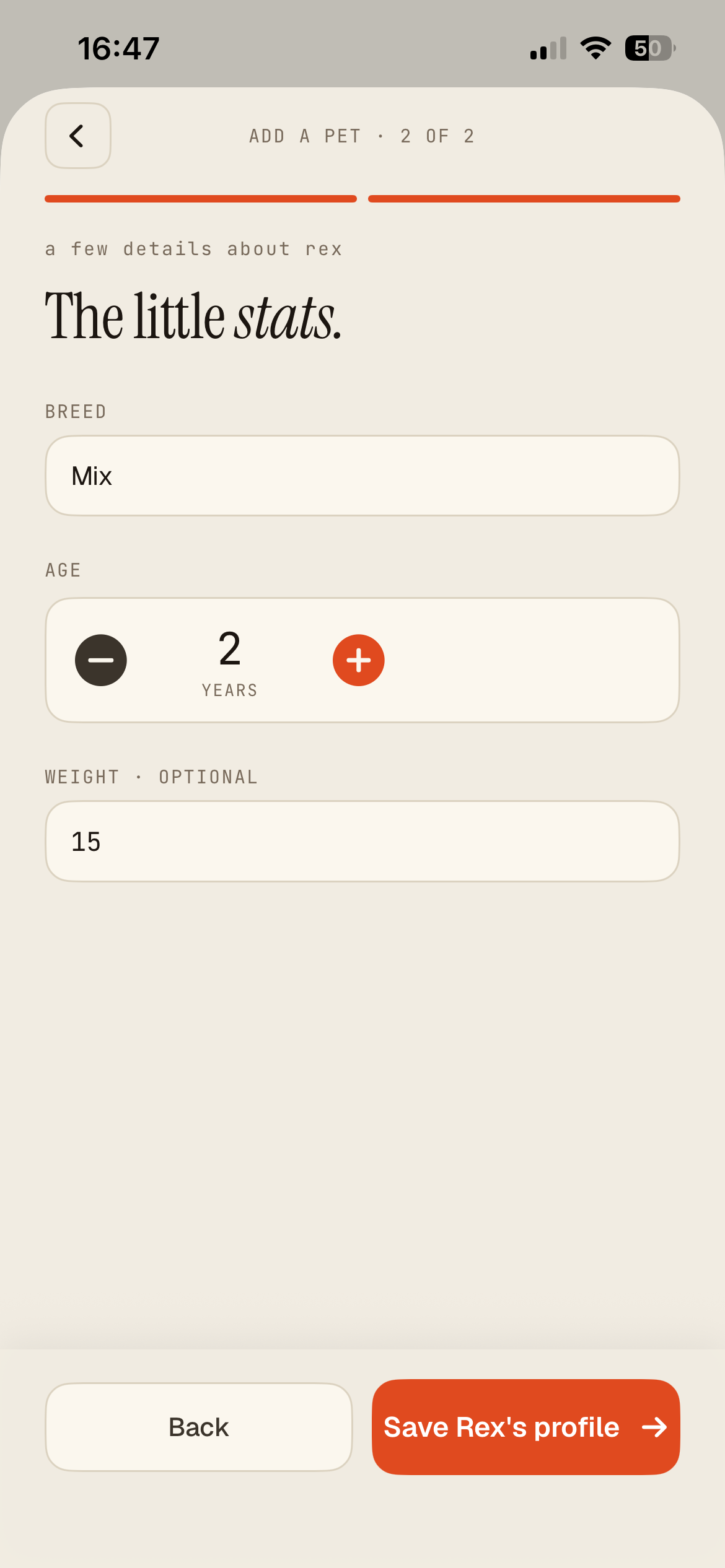
The little stats
Add a pet, 2 of 2
- Add the breed.
- Set the age with the - and + buttons, and add a weight if you know it (optional).
- Tap Save profile.
Got more than one animal? Add as many as you like from the home screen.
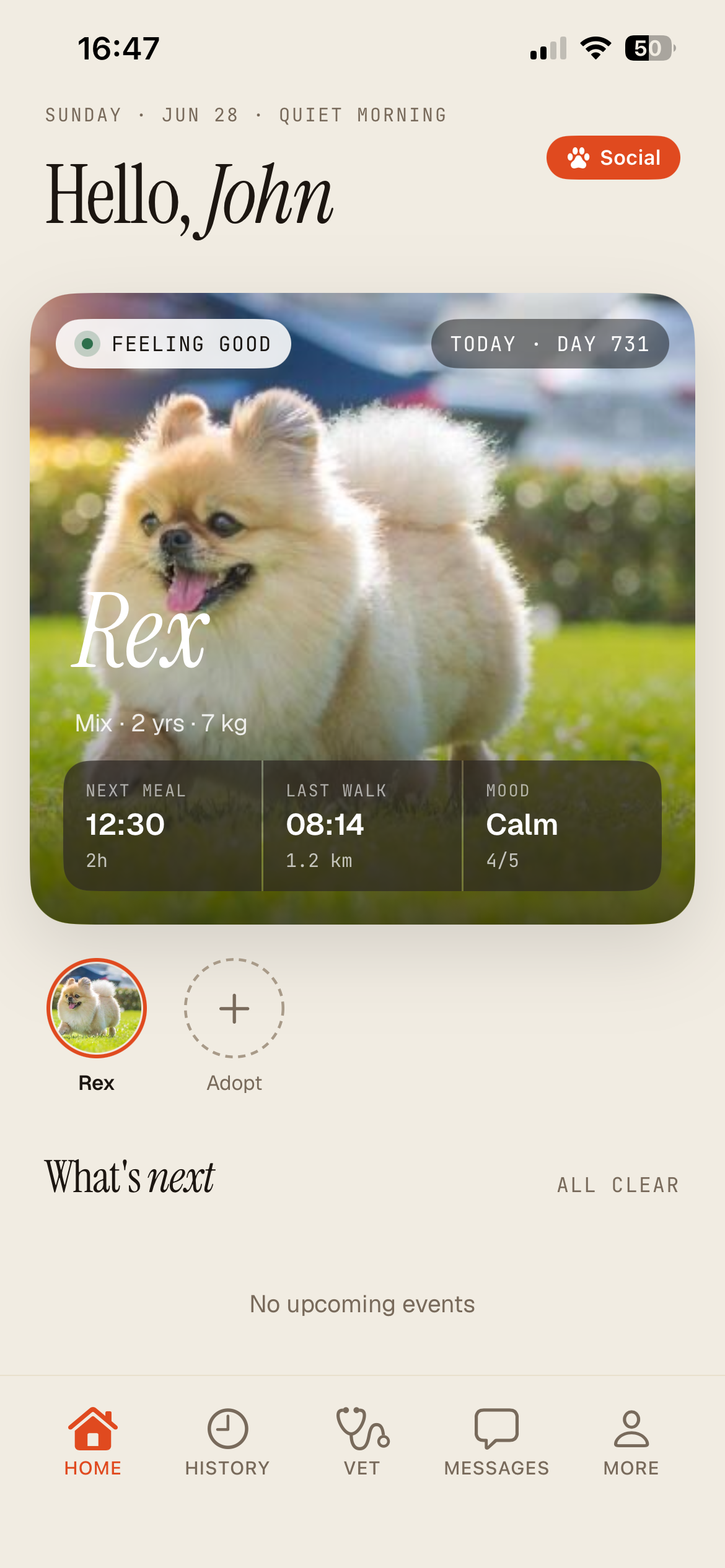
Your home, now with a friend
Home tab
- Your pet is a big card with their mood, next meal, and last walk.
- The row at the bottom is how you move around: Home, History, Vet, Messages, and More.
- Tap the card to open the full profile, or tap Social at the top for the community.
03
Day to day
The little things that keep your pet healthy: photos, meds, check-ins, and reminders.
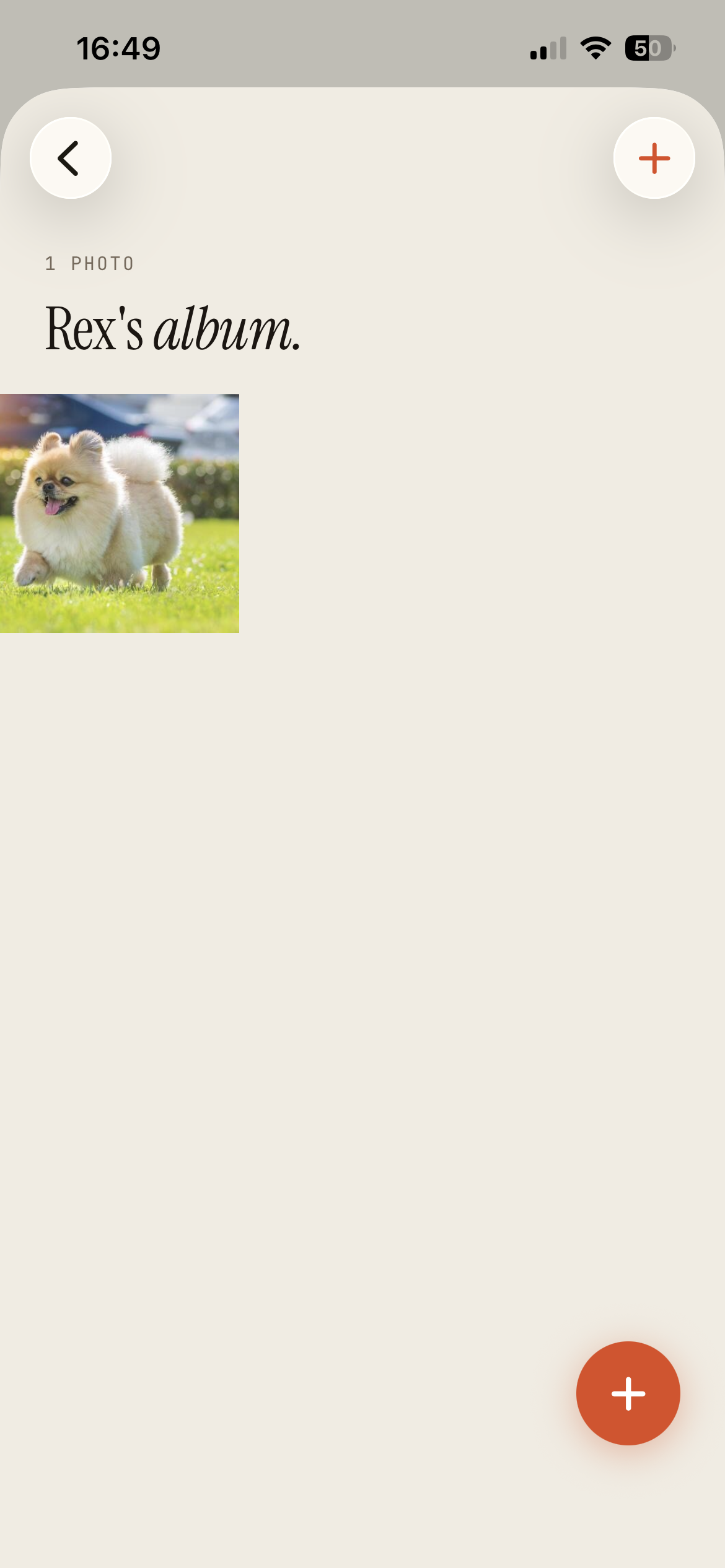
Build their album
Pet profile, Photos
- Open your pet's profile and tap Photos.
- Tap the orange + and pick or take a photo. It saves on its own.
- Tap any photo to see it full screen.
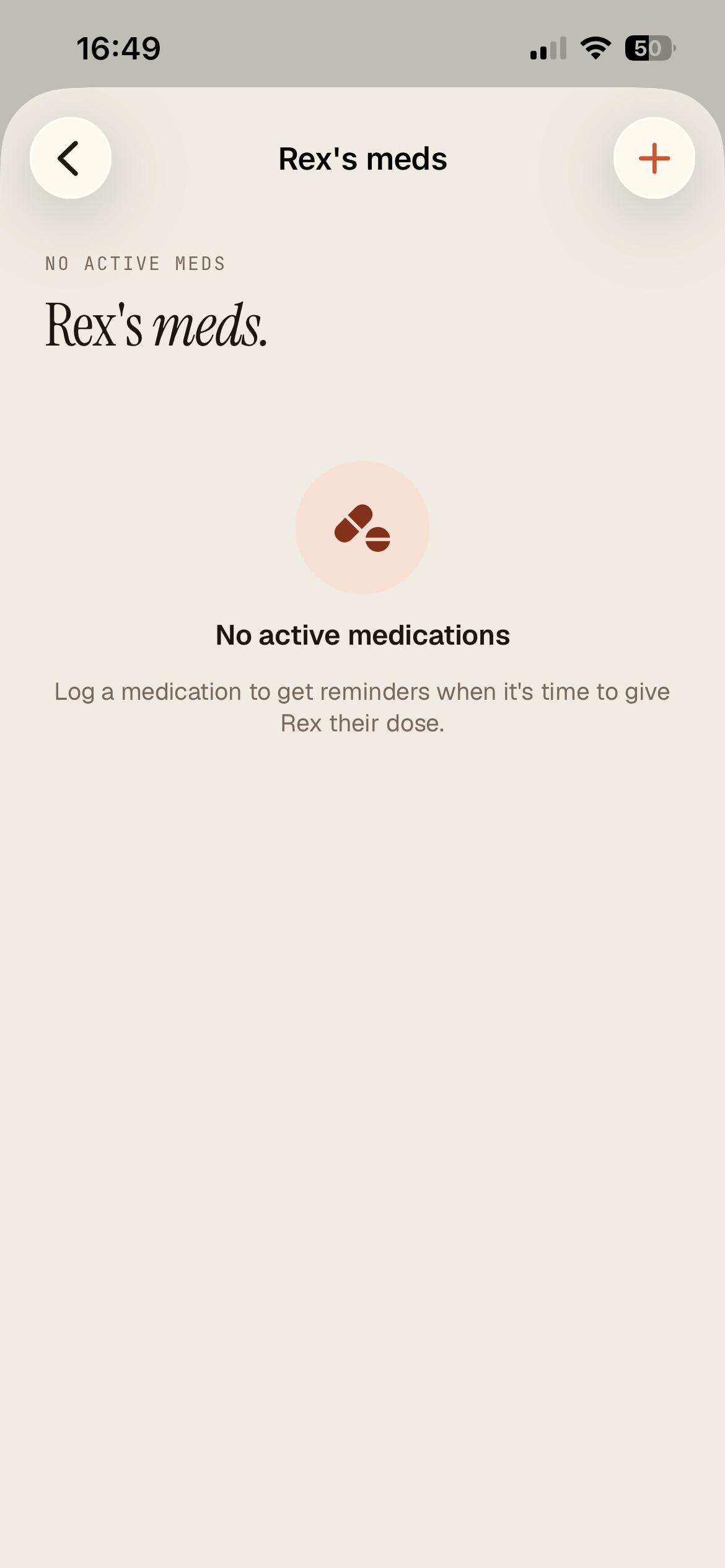
Track medications
Pet profile, Meds
- Open the profile and tap Meds.
- Tap the + to log a medication, its dose, and how often.
- We remind you when it's time to give the next dose.
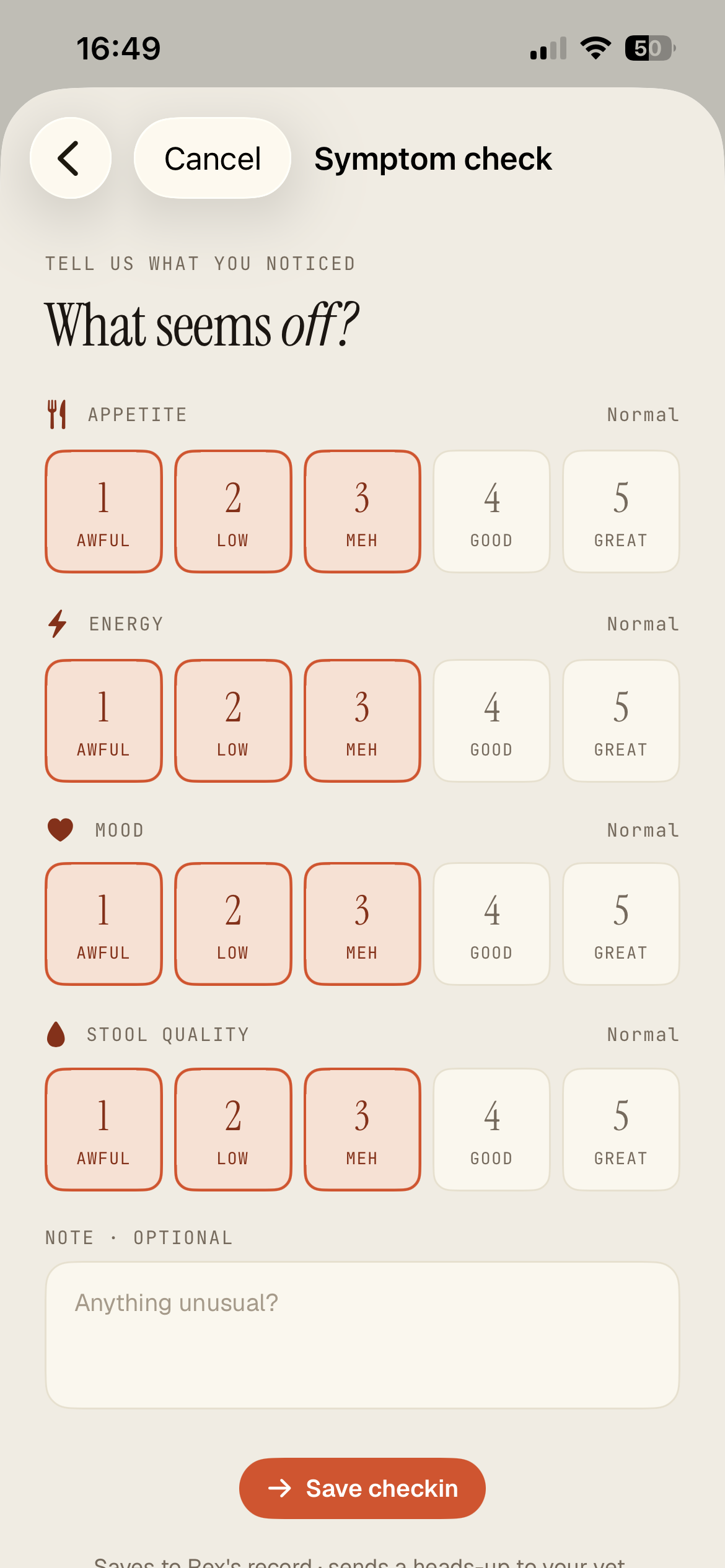
When something seems off
Pet profile, Daily check-in
- Open the Symptom check.
- Rate appetite, energy, mood, and stool from 1 to 5.
- Add a note and tap Save checkin.
It saves to your pet's record and sends a heads-up to your vet, so they have context before you even call.
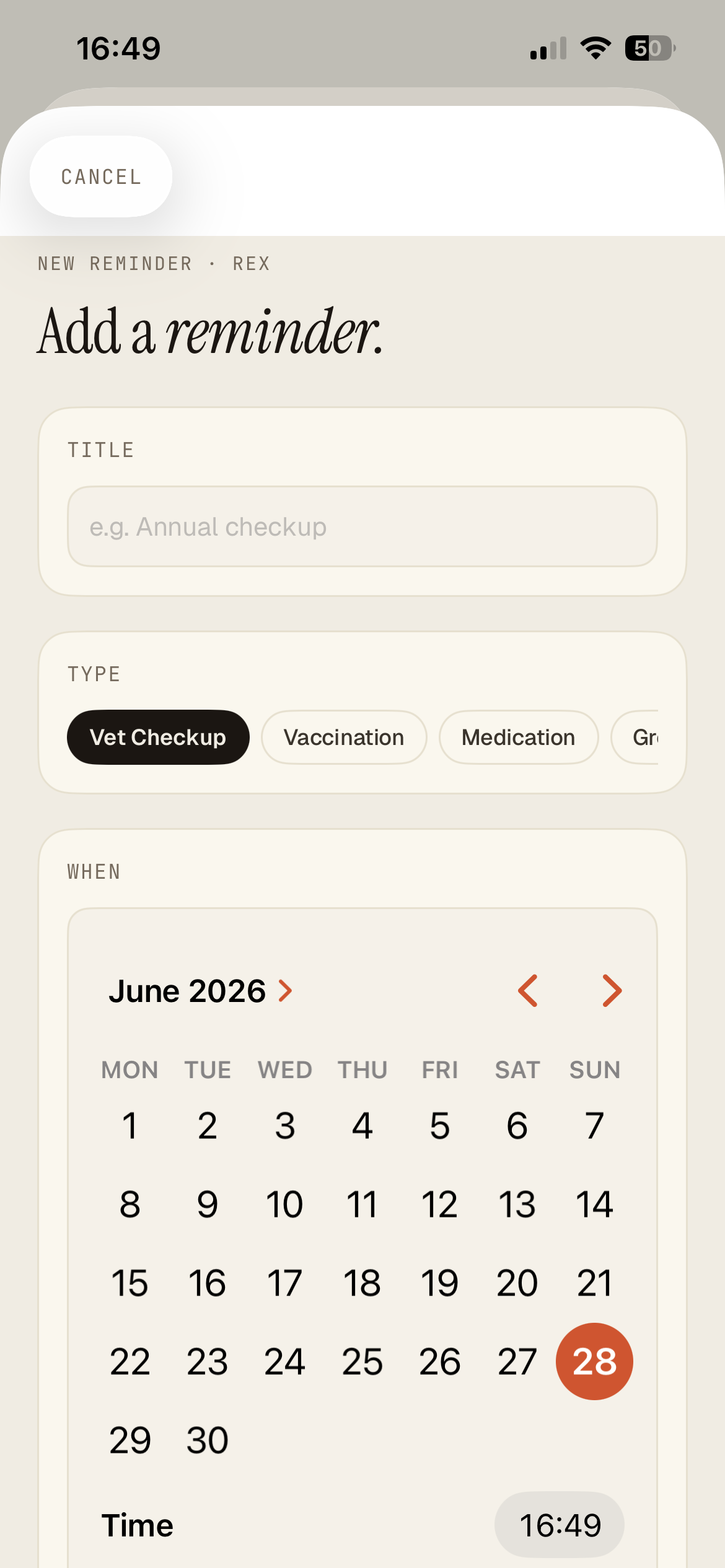
Never forget a thing
Pet profile, Reminders
- Tap + to add a reminder.
- Give it a title, pick a type (vet checkup, vaccination, medication...), and choose a date and time.
- Anything overdue shows in red so it's easy to spot.
04
Talking to a vet
This is the heart of Petbook. Find a vet, share your pet, message, and call, all from your phone.
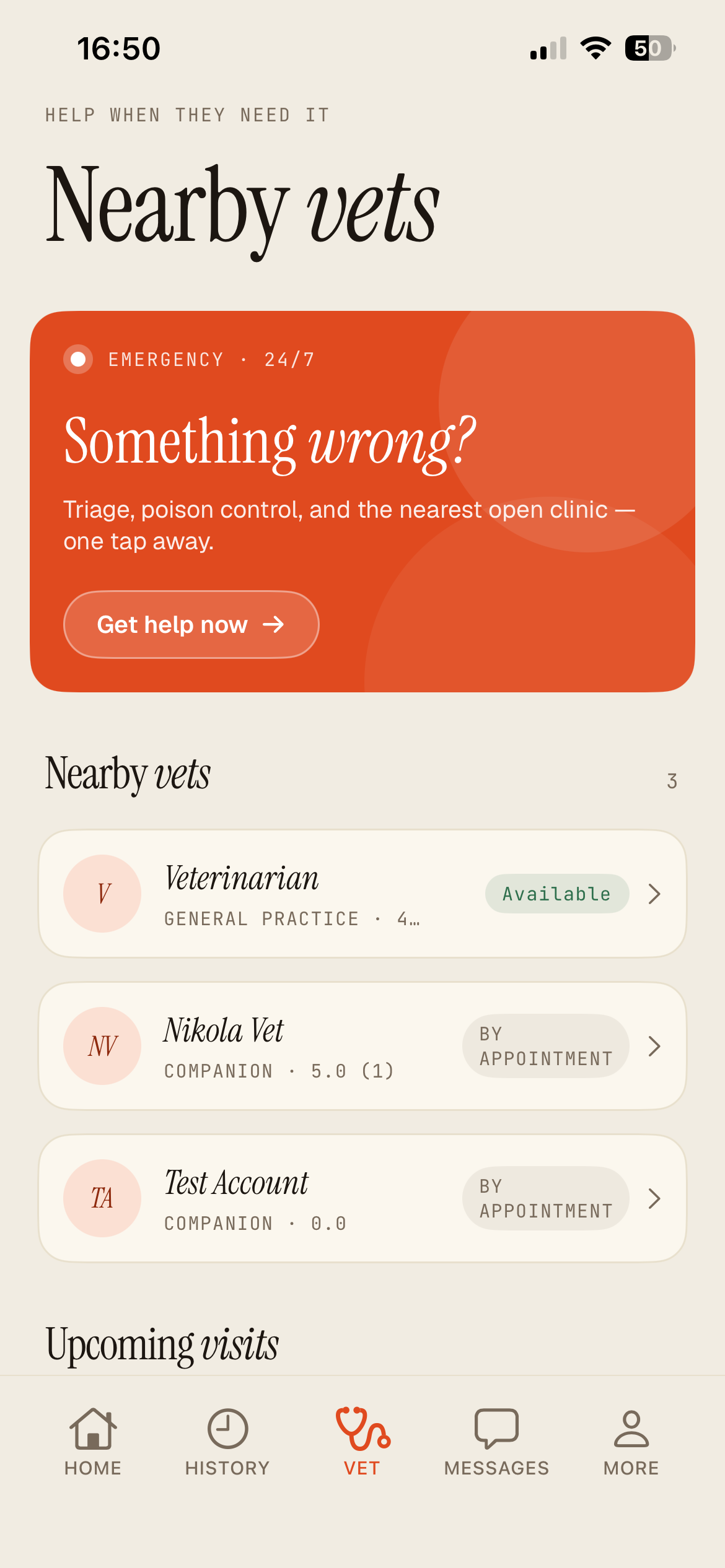
Find a vet near you
Vet tab
- Tap the Vet button at the bottom.
- Allow location so we can show vets nearby.
- Each card shows the vet, their rating, and whether they're Available now or by appointment. Tap one to open it.
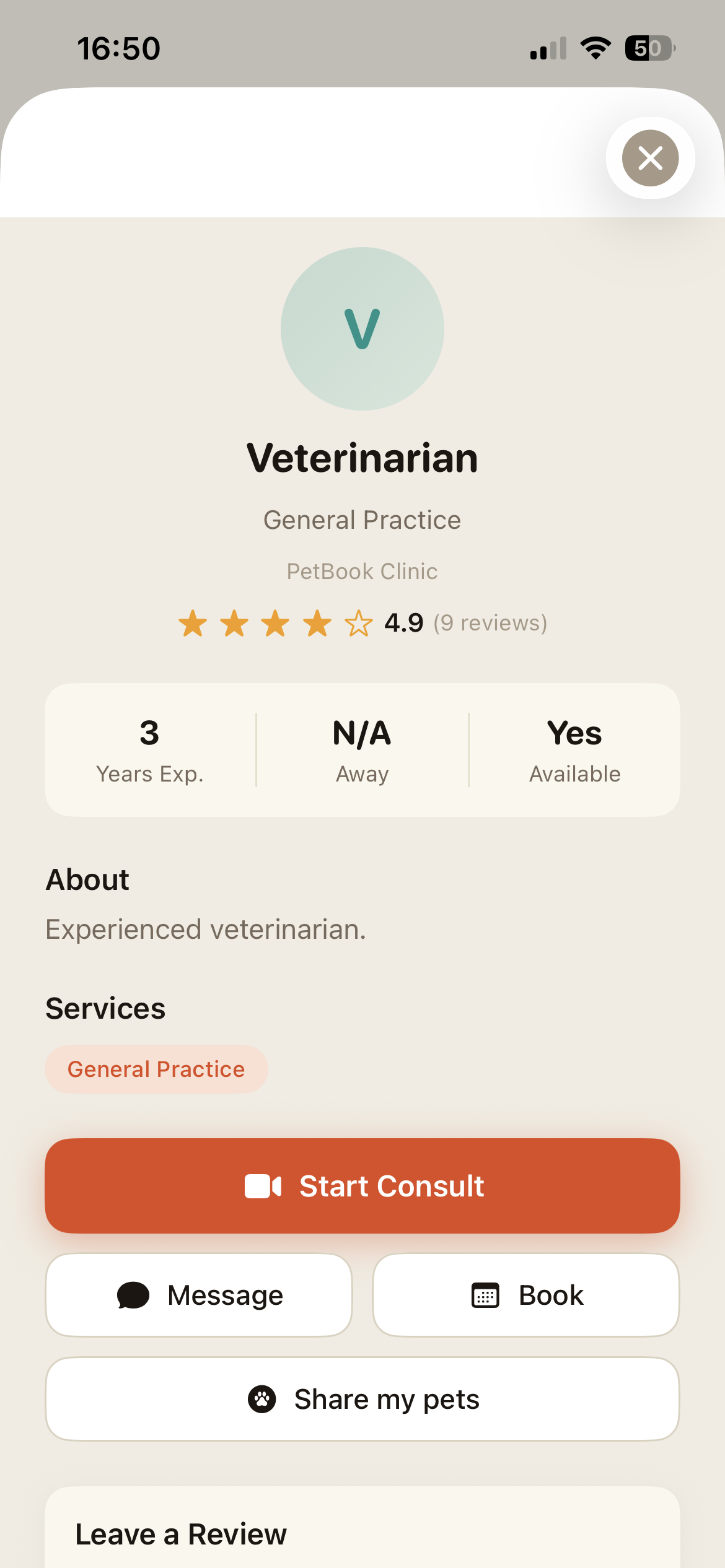
Start a consult, message, or book
A vet's profile
- The profile shows their experience, services, and reviews.
- Tap Start Consult for a video call now, Message to chat, or Book for an appointment.
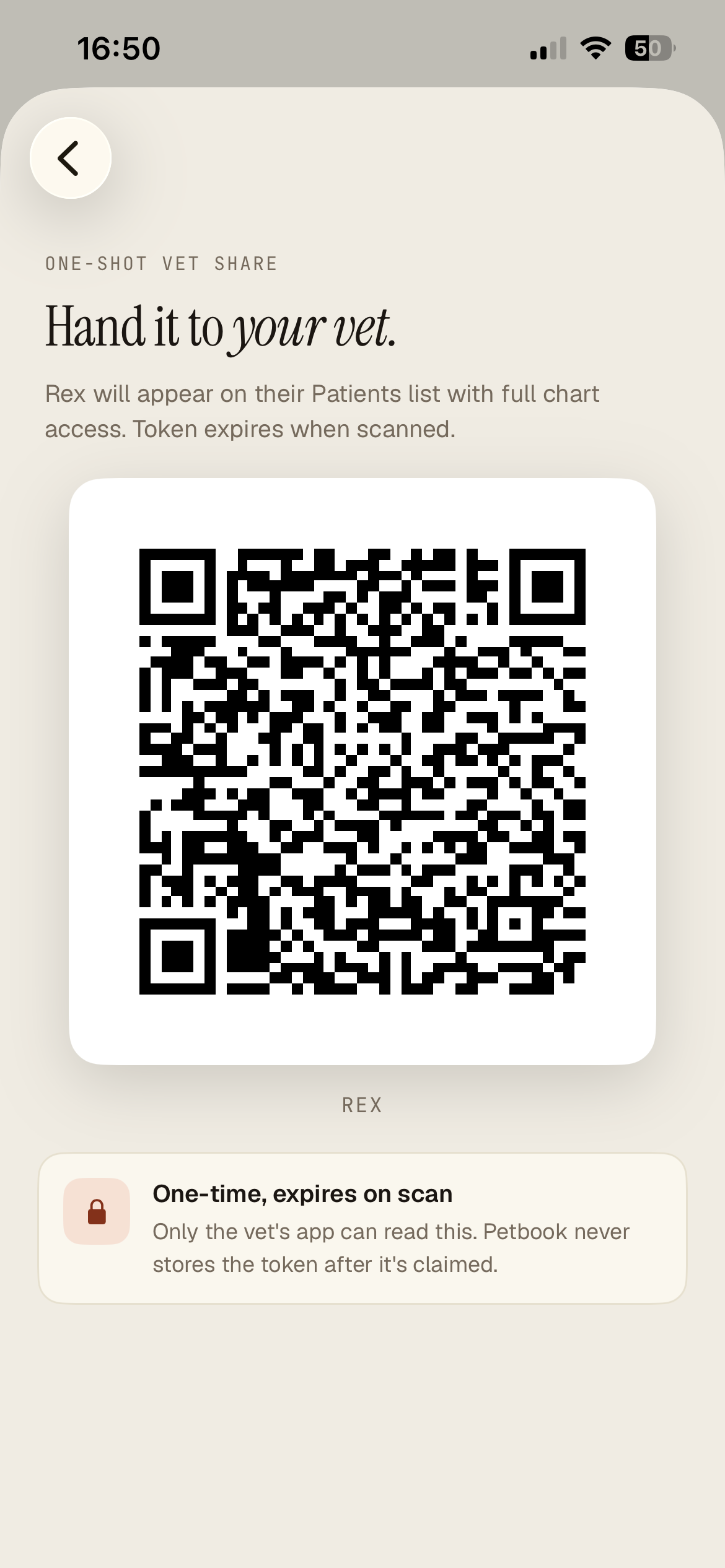
Hand your pet to your vet
Vet profile, Share my pets
- Tap Share my pets to get a QR code.
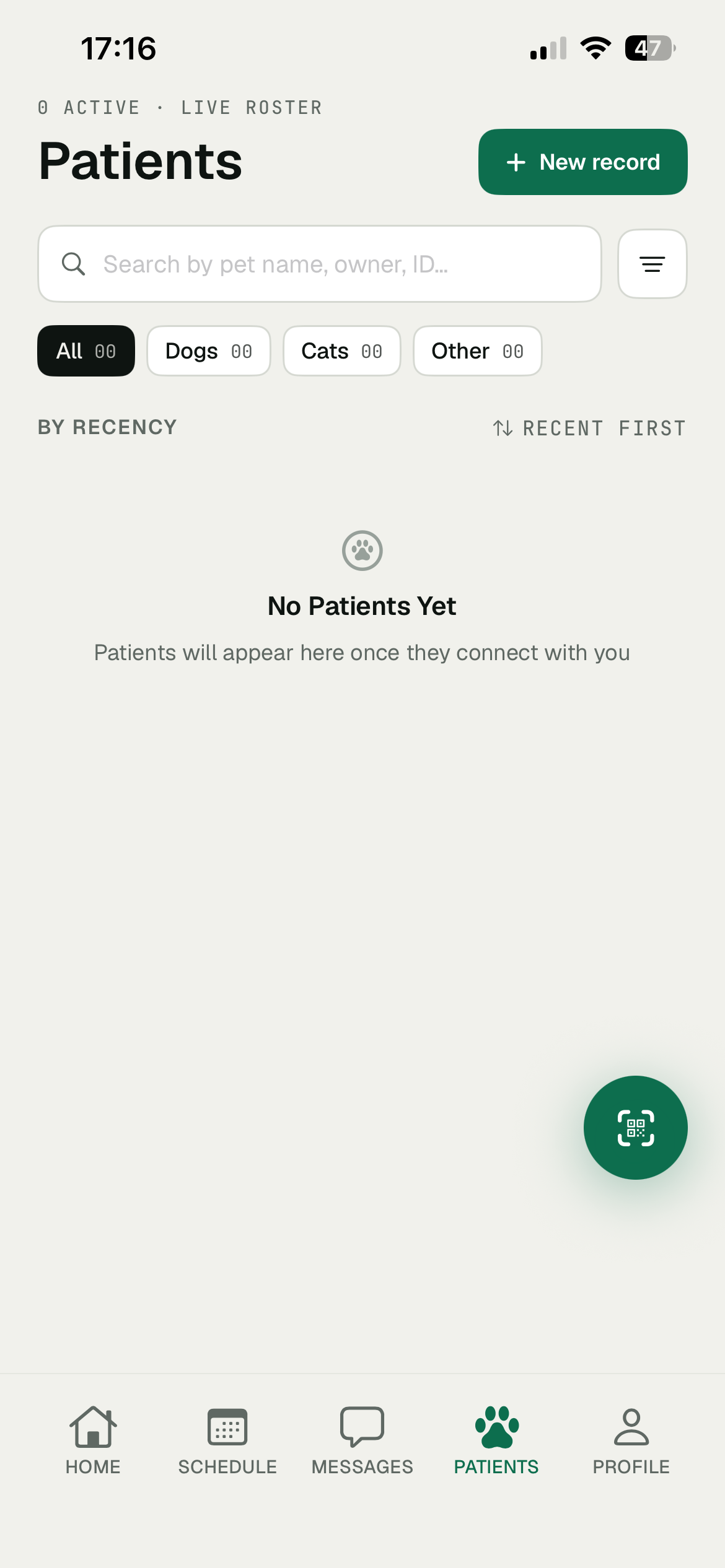
- Show it to your vet. Your pet appears on their Patients list with full chart access.
The code is one-time and expires the moment it's scanned. You're always in control of who sees what.
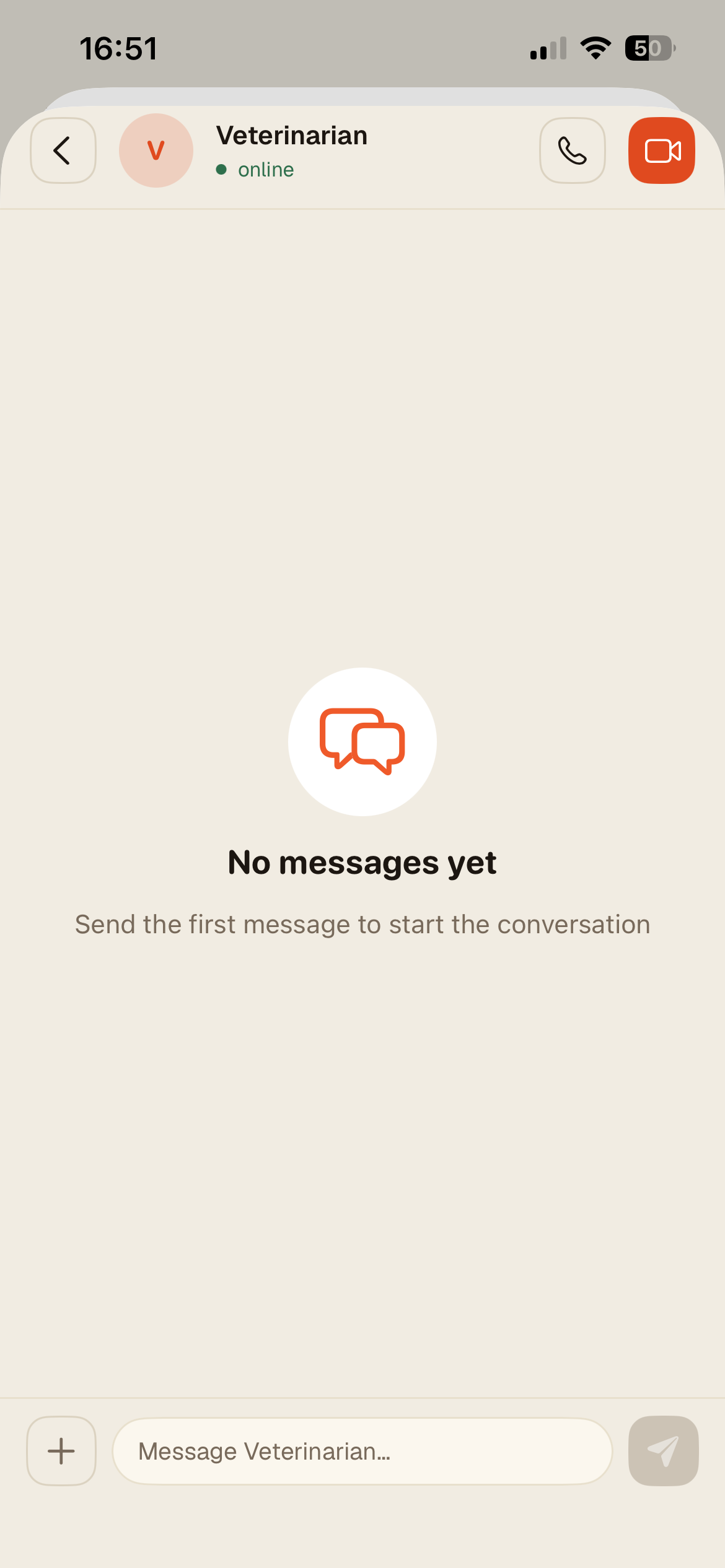
Message your vet
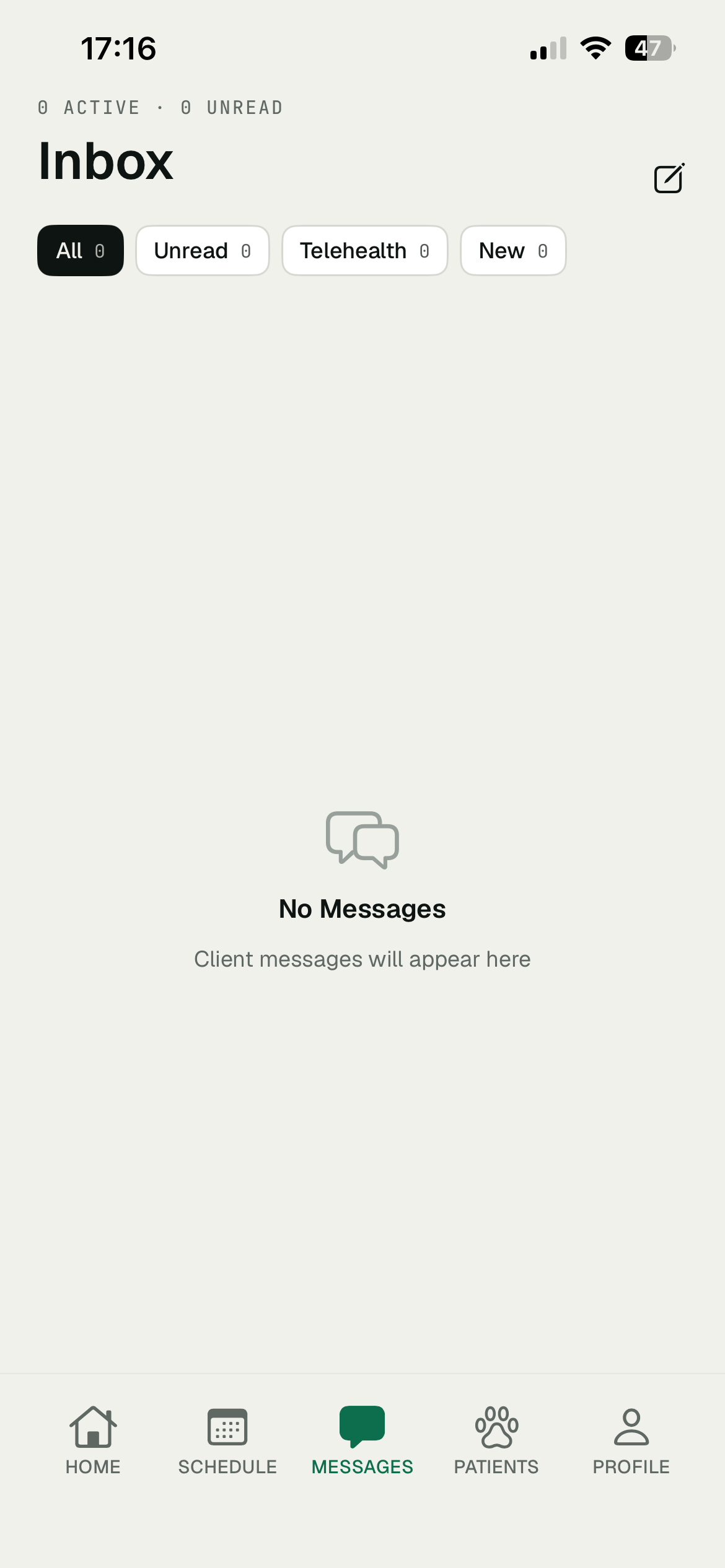
Messages tab
- Open a conversation, type in the box at the bottom, and tap the send arrow.
- To talk live, tap the phone or video icon at the top right.
05
When it's urgent, and the rest
Help fast when you need it, plus your account and the community.
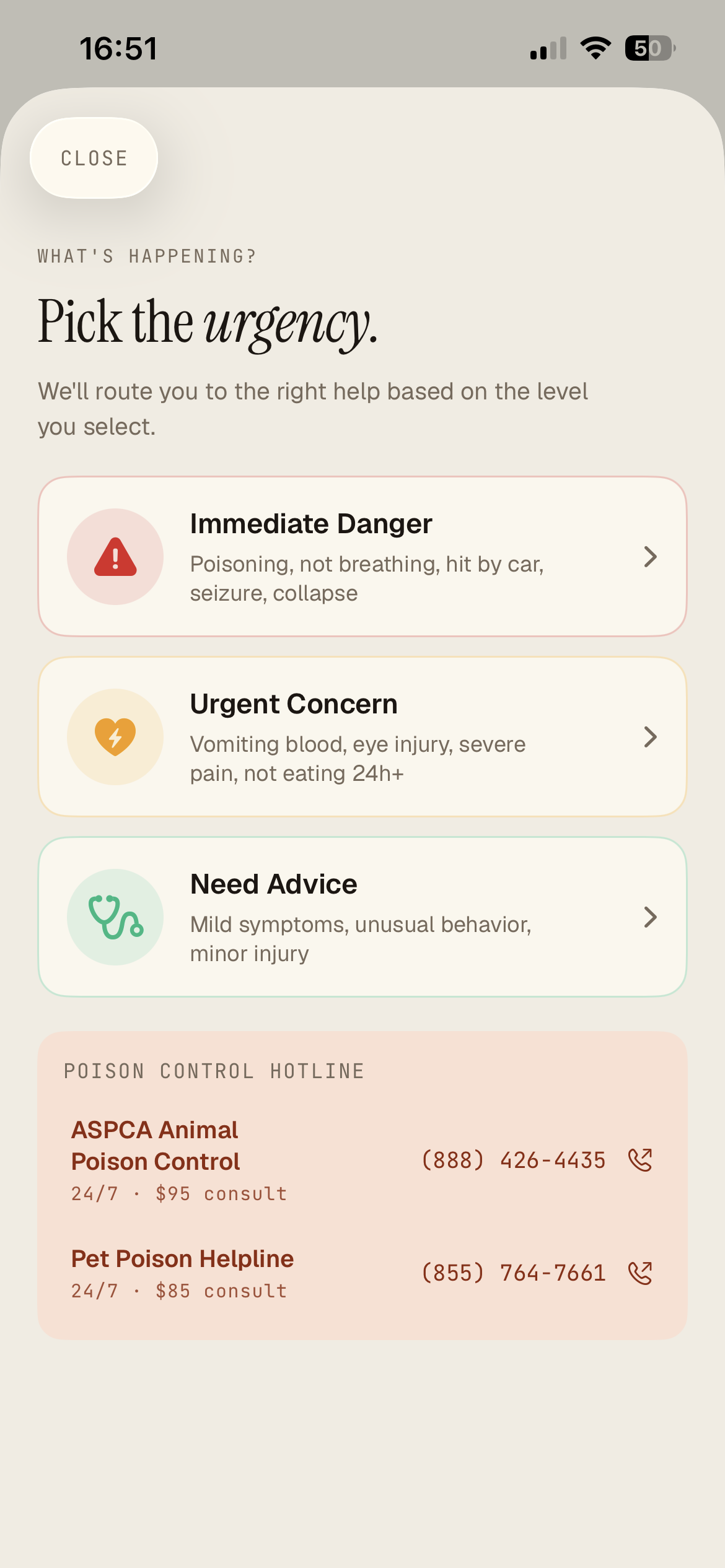
When it's an emergency
Vet tab, Something wrong?
- On the Vet tab, tap the red Get help now banner.
- Pick how serious it is: Immediate Danger, Urgent Concern, or Need Advice, and we route you to the right help.
- Poison control numbers are right there, tap one to call straight away.
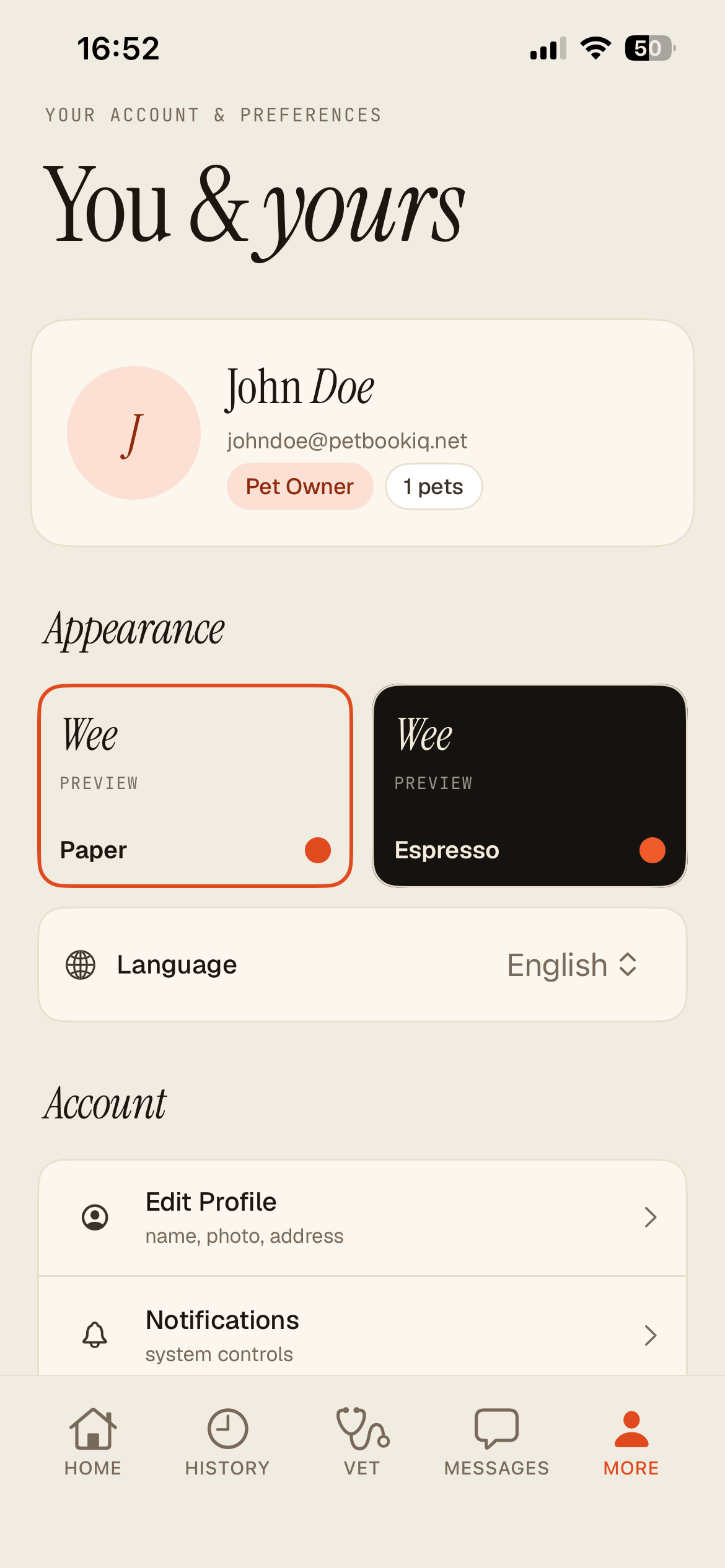
You and yours
More tab
- Tap More at the bottom.
- Switch the look between Paper and Espresso, or change the language.
- Edit your profile, manage notifications, and sign out from here too.
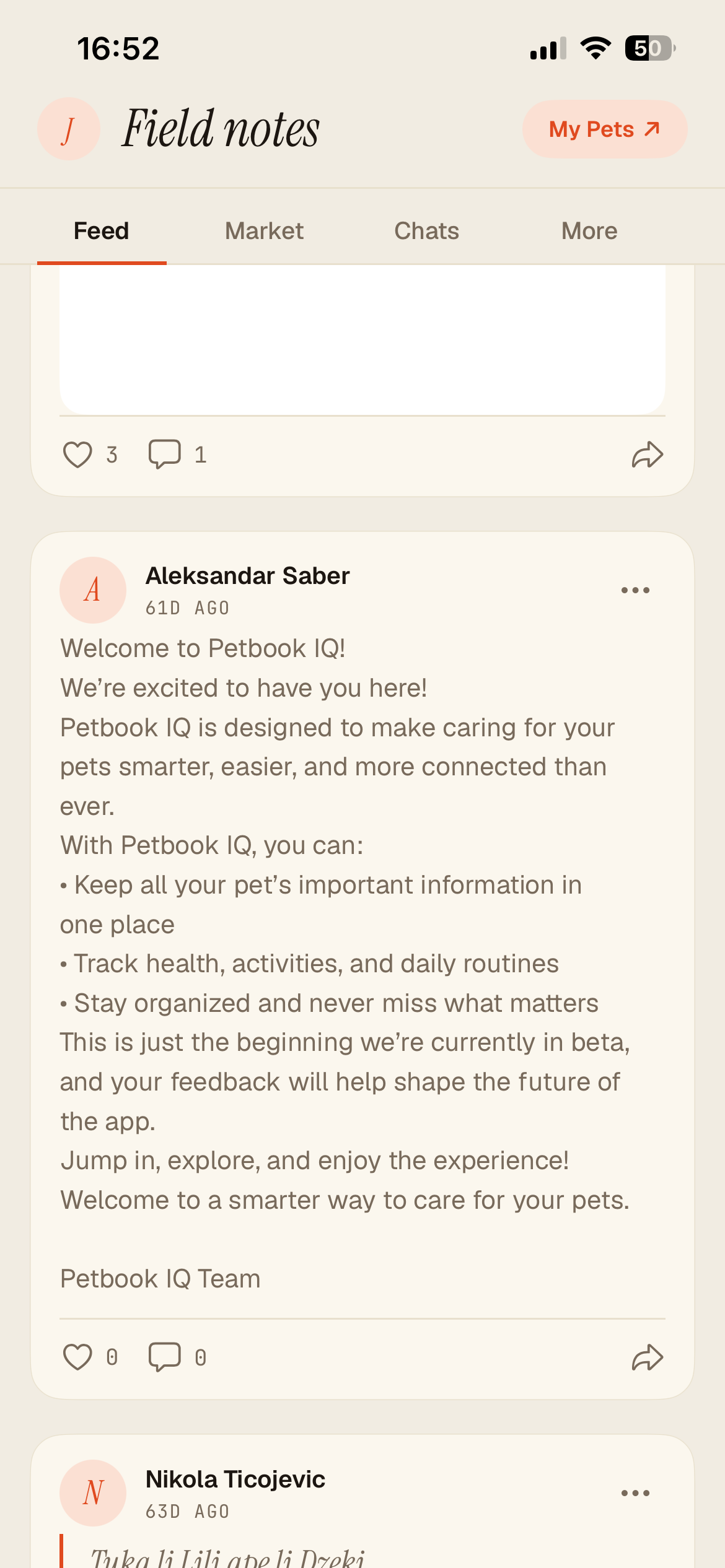
The community
Home, Social
- On the home screen, tap the Social button.
- Share photos in Field notes, follow other owners, browse the Market, and chat.
- Vets post here too, so a quick question doesn't always need a visit.